

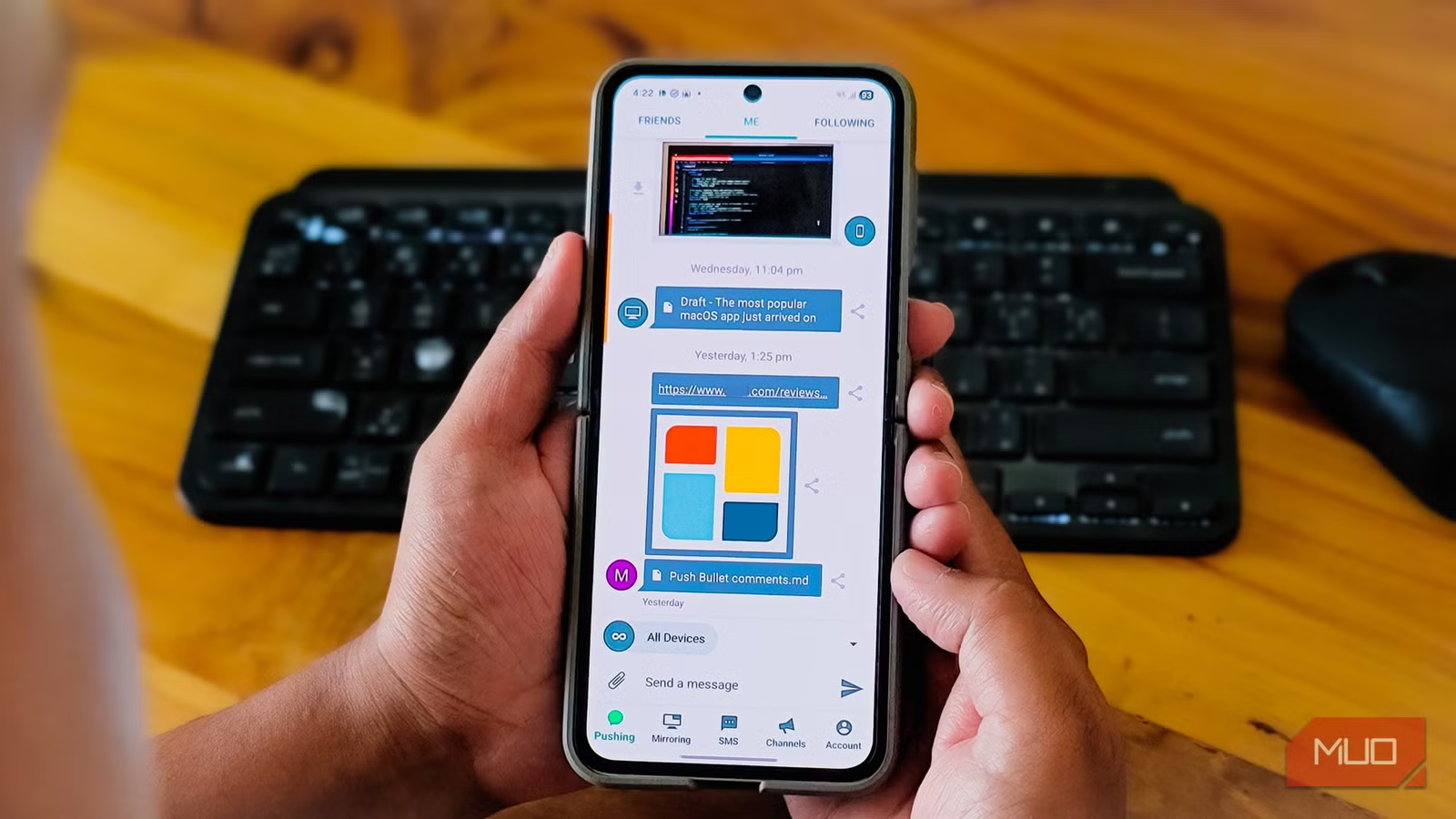
Phone Link is the only app you’ll ever need to connect your phone to Windows. But before Phone Link, there was Pushbullet, an app I never knew I needed. Once I tried this OG phone-to-PC connection tool with its notification mirroring and easy file sharing, it became so essential to my workflow that I installed it on every new Android without fail for almost a decade.
But then it faded away. In its quest to become a profitable service, Pushbullet put some of its best features behind a paywall and tacked on messaging capabilities that nobody asked for. What was once a clean, focused utility turned into a cluttered mess, and I eventually stopped using it altogether.
What’s Pushbullet
The app that pioneered phone-to-PC connectivity
Tashreef Shareef / MakeUseOfCredit: Tashreef Shareef / MakeUseOf
I started using Pushbullet back in 2014 because I wanted a way to view notifications from my phone on my PC. Every time a new notification popped up, I had to pick up my phone, check it, put it back down, and refocus on whatever I was doing. Pushbullet solved that problem by offering a way to interact with phone notifications directly from my PC.
The app mirrored notifications from my Android directly to my desktop browser or Windows app. I could see incoming texts, app alerts, and even phone calls without touching my phone. But it did more than just notifications. I could push links from my phone to my PC with a tap, share files between devices, and send SMS from my computer.
Pushbullet became my go-to phone to PC link app because of how seamless it made the experience. Install the app, add the browser extension or the desktop app, and everything just worked. It filled the gap that tools like AirDroid were trying to fill, but did it better and faster. Above all, it was completely free to use.
What went wrong
A paywall on existing features and abandoned browser support
Tashreef Shareef / MakeUseOfCredit: Tashreef Shareef / MakeUseOf
Things took a turn when the developers introduced the Pro plan. I’m all for paying for a subscription if you find the app useful in your workflow. However, instead of adding some new premium features, they took features that free users already enjoyed and locked them behind a $40-per-year subscription. Universal copy-paste, unlimited pushes (SMS functionality), full notification mirroring, and larger file transfers all previously worked for free, but now required payment.
Around the same time, Pushbullet tried to reinvent itself as a universal messaging app. The focus shifted away from being a simple phone-to-PC bridge toward becoming a chat-centric platform. Core features like quick link sharing and clipboard sync got buried under a cluttered interface. For someone who just wanted to beam links and see notifications, it felt bloated.
Tashreef Shareef / MakeUseOfCredit: Tashreef Shareef / MakeUseOf
The final blow came with Chrome’s Manifest V3 changes. Google dropped support for Manifest V2 extensions, and Pushbullet’s Chrome extension was never updated to comply. The extension now gets auto-disabled on modern Chrome builds, and the developer has shown no plans to release an updated version. Firefox still supports it, but Chrome, Edge, and other Chromium browsers don’t. That kills the experience for most desktop users.
Yes, the Windows desktop app still works, but it hasn’t worked as well as the browser extension, at least on my PC. Similarly, there’s a web app you can use as a workaround for the extension. But for someone like me who spends most of the day in a browser, losing the extension meant losing the seamless integration that made Pushbullet worth using in the first place.
Phone Link was the last straw
Microsoft’s built-in alternative to Pushbullet
With Pushbullet becoming increasingly unreliable, I started exploring alternatives. KDE Connect, Join by joaoapps for those still on Chrome, and AirDroid are some excellent alternatives. But for my Windows setup, Microsoft’s Phone Link offered most of what Pushbullet offered, but in a more reliable way.
Phone Link does everything Pushbullet did: notification mirroring, SMS from your PC, phone calls through your computer, and even file sharing on supported devices. Additionally, it offers more advanced features like screen mirroring and the ability to browse my phone’s gallery, delete photos, and even use my phone as a webcam.
I use Blip for instant file sharing. It’s a lightweight tool that handles large file transfers with end-to-end encryption. Blip works over local Wi-Fi and doesn’t need cloud storage or subscriptions. Together, Phone Link and Blip cover everything I used to rely on Pushbullet for, without the subscription fees or abandoned extensions.
Phone Link also comes built into Windows 11. So, I don’t need to install anything extra, and Microsoft actively updates it. That’s more than I can say for Pushbullet these days.
Pushbullet was great, but I don’t use it anymore
Pushbullet was genuinely ahead of its time. It showed us what phone-to-PC connectivity could look like years before Microsoft, Google, or Apple built their own solutions. Pushbullet is still unique in the way it works with notifications and how everything works seamless when it “works.”
However, between the paywall on existing features, the shift away from its core purpose, and the broken Chrome extension, Pushbullet started to fade away in a crowded phone-to-PC market, and it still hasn’t recovered. For me, Phone Link and Blip have more than filled the gap. After 10 years of Pushbullet, it’s no longer one of the first apps I install on a new Android phone. The app that once felt irreplaceable now feels completely optional.
