
Close Menu
Must Have Gadgets –

    Subscribe to Updates

    Get the latest creative news from FooBar about art, design and business.

    What's Hot

    An AI Dark Horse Is Rewriting the Rules of Game Design

    December 3, 2025

    You can now turn Spotify Wrapped into a multiplayer party with your friends

    December 3, 2025

    I only run internet speed tests this way now (and how to use the results for faster Wi-Fi)

    December 3, 2025
    Facebook X (Twitter) Instagram
    Must Have Gadgets –
    Trending
    • An AI Dark Horse Is Rewriting the Rules of Game Design
    • You can now turn Spotify Wrapped into a multiplayer party with your friends
    • I only run internet speed tests this way now (and how to use the results for faster Wi-Fi)
    • Level Up for Less With 25% Off the PlayStation DualSense Controller for Cyber Week
    • Samsung’s Boldest Foldable and a Price to Match
    • Dyson’s Purifier Hot+Cool HP2 De-NOx is now $699.95 and replaces three devices at once
    • Russia blocks Roblox, citing ‘LGBT propaganda’ as a reason
    • Pebble 2 Duo review: a fun reboot of a decade-old smartwatch
    • Home
    • Shop
      • Earbuds & Headphones
      • Smartwatches
      • Mobile Accessories
      • Smart Home Devices
      • Laptops & Tablets
    • Gadget Reviews
    • How-To Guides
    • Mobile Accessories
    • Smart Devices
    • More
      • Top Deals
      • Smart Home
      • Tech News
      • Trending Tech
    Facebook X (Twitter) Instagram
    Must Have Gadgets –
    Home»How-To Guides»Google just improved one of Android’s most basic tools — at last
    How-To Guides

    Google just improved one of Android’s most basic tools — at last

    adminBy adminOctober 22, 2025No Comments3 Mins Read
    Facebook Twitter Pinterest LinkedIn Tumblr Email
    Google just improved one of Android’s most basic tools — at last
    Share
    Facebook Twitter LinkedIn Pinterest Email

    Android Canary builds offer Pixel owners the chance to test the most cutting-edge features added to the platform, long before they make it to the next Pixel Drop or full-fledged Android update. Now, that includes redesigned control of a feature that competing smartphone manufacturers, including Samsung and Apple, have offered in their exclusive OS interfaces for quite some time.

    As noted by Android Authority, the fabled flashlight brightness slider just got a facelift in the latest pre-beta build, marking its march toward public release sometime down the line.

    The long wait for a basic feature

    Now, even the interface looks like an actual flashlight

    Credit: Jonathon Jachura / MUO

    Is anyone really upset when Google “copies” an iOS feature?

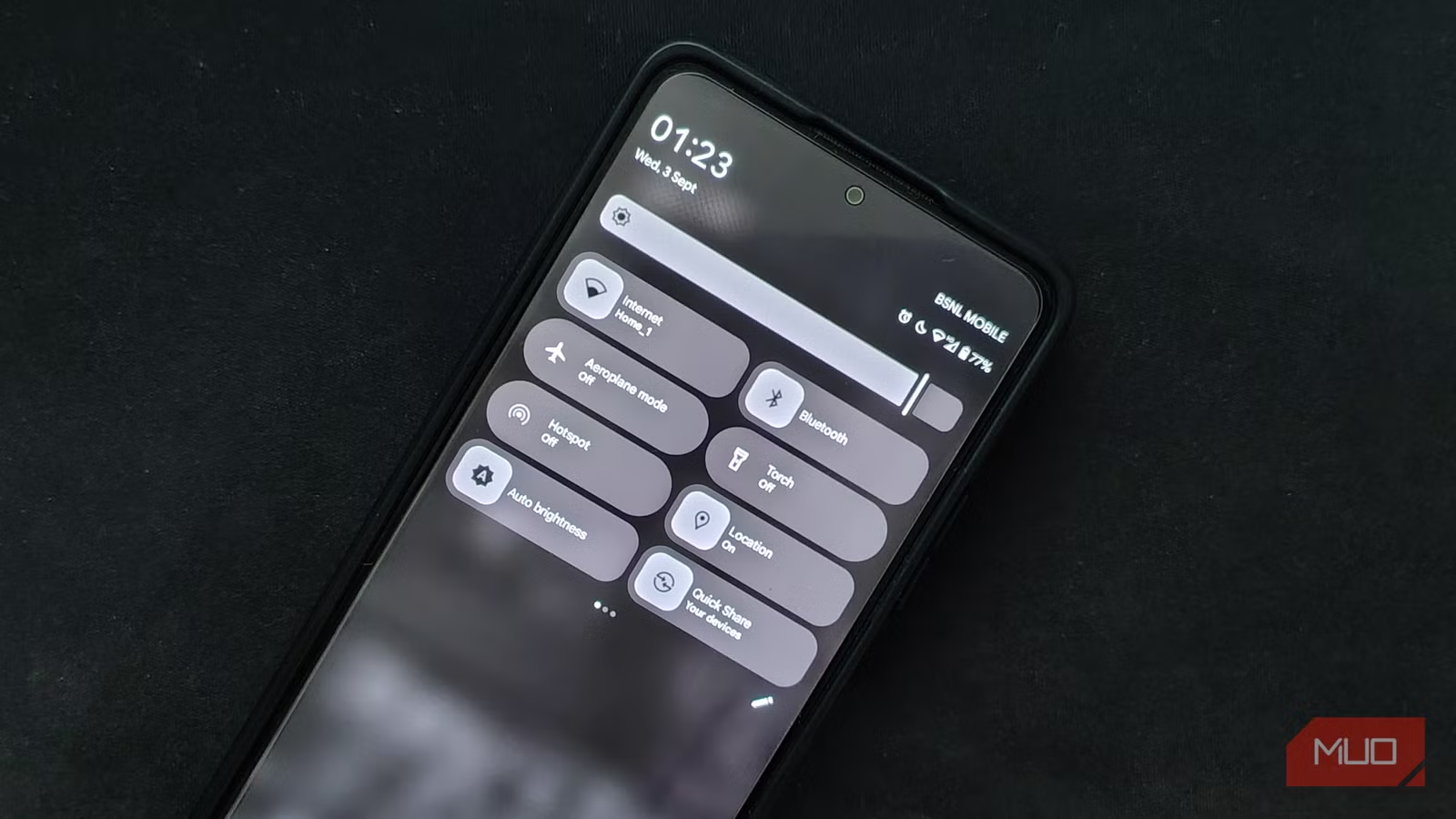
    Flashlights are one of the many devices smartphones have largely replaced, but your phone’s torch isn’t always quite as versatile as the real thing. Sometimes, it’s simply way too bright. That’s why so many users have clamored for adjustable brightness.

    Functionally, the new slider remains the same as when it was introduced. Now, instead of a boring, horizontal bar, long-pressing the Flashlight (or, for non-US users, the Torch) tile in the Quick Settings menu opens a Flashlight Strength dialog box with a flashlight-shaped vertical slider. Dragging from the bottom to the top causes the arc to widen, making the beam appear bigger. While it has the same effect as before, it brings the entire feature closer in line with Google’s recent wave of Material 3 Expressive visual overhauls.

    When will the feature hit Pixels (and other phones)?

    Credit: Zarif Ali / MakeUseOf

    The adjustment panel won’t reach the full public beta until at least QPR3, which would point toward its inclusion in a Pixel Feature Drop sometime after March 2026. Attentive Android fans might consider that overdue, which is valid: Android 13 actually added built-in support for the feature, but Google left it up to other developers to actually implement it. There have been ways for Pixel owners to take advantage of the capability, but they’ve all been workarounds.

    Presumably, Android 17 will mark the first time flashlight brightness adjustment is included in the basic OS package that all Android devices ship with some form of. That brings the vanilla OS in line with popular manufacturer implementations like Samsung’s, which has offered multi-level brightness adjustment for nearly a decade (before it was even called One UI, in fact).

    OnePlus’ OxygenOS and Oppo’s ColorOS, both more niche skins than the popular, highly flexible OneUI, have also allowed users to adjust the flashlight for years. Apple has offered the feature the longest, with press-and-hold adjustment dating back to 2016’s iOS 10.

    To be clear, not every device will necessarily ship with the functionality. It still depends on support from the camera’s hardware abstraction layer, or HAL, which determines how each model’s components interact with software. At the very least, we know it’ll be available for Pixel phones with this modern appearance. And, because Google essentially uses Pixels as a test bed for new Android features, these features are likely to come to a much wider range of smartphones beginning next year.

    Pixel owners can try it out now by flashing the 2510 Android Canary release onto their phones, but beware — as a pre-beta build, you’ll likely run into periodic bugs.

    Androids basic Google improved Tools
    Share. Facebook Twitter Pinterest LinkedIn Tumblr Email
    admin
    • Website

    Related Posts

    I only run internet speed tests this way now (and how to use the results for faster Wi-Fi)

    December 3, 2025

    Australia’s social media ban is days away – will you be affected?

    December 3, 2025

    Android’s in-call scam protection goes live in the US to stop screen-sharing fraud

    December 3, 2025
    Leave A Reply Cancel Reply

    Top Posts

    An AI Dark Horse Is Rewriting the Rules of Game Design

    December 3, 2025

    PayPal’s blockchain partner accidentally minted $300 trillion in stablecoins

    October 16, 2025

    The best AirPods deals for October 2025

    October 16, 2025
    Stay In Touch
    • Facebook
    • YouTube
    • TikTok
    • WhatsApp
    • Twitter
    • Instagram
    Latest Reviews
    How-To Guides

    How to Disable Some or All AI Features on your Samsung Galaxy Phone

    By adminOctober 16, 20250
    Gadget Reviews

    PayPal’s blockchain partner accidentally minted $300 trillion in stablecoins

    By adminOctober 16, 20250
    Smart Devices

    The best AirPods deals for October 2025

    By adminOctober 16, 20250

    Subscribe to Updates

    Get the latest tech news from FooBar about tech, design and biz.

    Latest Post

    An AI Dark Horse Is Rewriting the Rules of Game Design

    December 3, 2025

    You can now turn Spotify Wrapped into a multiplayer party with your friends

    December 3, 2025

    I only run internet speed tests this way now (and how to use the results for faster Wi-Fi)

    December 3, 2025
    Recent Posts
    • An AI Dark Horse Is Rewriting the Rules of Game Design
    • You can now turn Spotify Wrapped into a multiplayer party with your friends
    • I only run internet speed tests this way now (and how to use the results for faster Wi-Fi)
    • Level Up for Less With 25% Off the PlayStation DualSense Controller for Cyber Week
    • Samsung’s Boldest Foldable and a Price to Match

    Subscribe to Updates

    Get the latest creative news from FooBar about art, design and business.

    Facebook
    • About Us
    • Contact Us
    • Privacy Policy
    • Terms and Conditions
    • Disclaimer
    © 2025 must-have-gadgets.

    Type above and press Enter to search. Press Esc to cancel.