

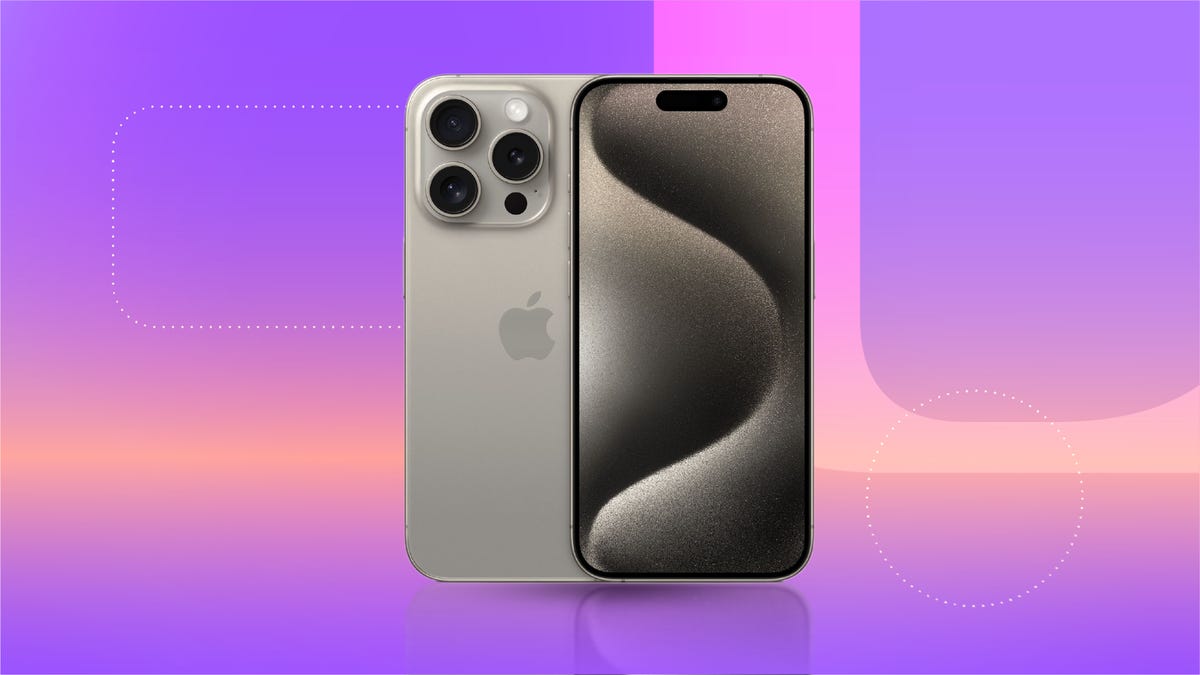
Privacy on the internet is more important than ever, and if you just got a new iPhone, you’ll want to take a few minutes to fine-tune your settings. Apple has made it easy to take control over who has access to your personal data by delivering a variety of anti-tracking tools, making it easy to keep your data private from apps and prying eyes.
Apple’s App Tracking Transparency feature gives Apple users a simple choice: to allow apps to track their activity or not. If you choose to opt out, Apple will prevent the app from accessing identifiers that link your device with your activity on an app, usually shared with advertisers to create targeted ads. Unless you give an app explicit permission to track you (including apps made by Apple), it can’t use your data for targeted ads, including sharing your location data, advertising ID or any other identifiers with advertisers or third parties.
This story is part of 12 Days of Tips, helping you make the most of your tech, home and health during the holiday season.
The feature was first unveiled at Apple’s Worldwide Developers Conference in 2020 and was subsequently rolled out to users later that year in iOS 14.5. Since then, Apple has built on these efforts to increase transparency and privacy. In the iOS 17, Apple made a change that lets users select their default search engine when in private browsing mode, giving them the option to choose a search engine other than Google while in a private Safari tab, and added a feature that makes it harder for thieves to access sensitive information on stolen devices. The phone-maker continued to add robust anti-tracking features with each new iteration of the OS, ensuring users. are always the ones in control of their data.
The impact of Apple’s App Tracking Transparency feature has been wide-reaching across the tech industry. The feature drew support from privacy advocates but criticism from companies such as Meta, which said the move would hurt its ad business. Meta’s concerns manifested across the board for social media platforms, with a 2021 investigation from the Financial Times estimating that the feature cost Snapchat, Facebook, Twitter and YouTube a collective $9.85 billion in lost ad sales, as most Apple users opted out of tracking.
Even if you didn’t initially opt out, you can change whether or not to allow tracking at any time. Here’s how to use the App Tracking Transparency feature.
Watch this: 11 Hidden Features in iOS 18
06:44
How to turn off app tracking on new apps
When you download and open a new app, you’ll get a pop-up notification that asks if you want to let the app track your activity across other companies’ apps and websites. You’ll also see information about what the app would track. You can tap Ask App Not to Track to block that activity or Allow.
When you download an app, you’ll see a notification pop up giving you a choice of whether you want to give the app permission to track you.
You can also opt out of app tracking across every app you download by going to Settings > Privacy & Security > Tracking and toggling off Allow Apps to Request to Track. This means any app that tries to ask for your permission will be automatically blocked from asking and informed that you have requested not to be tracked. All apps (other than those you’ve given permission to track in the past) will be blocked from accessing your device’s information used for advertising, according to Apple.
It’s important to note that this doesn’t mean ads will disappear. It just means that you’ll be more likely to see generic ads, not one for that pair of shoes you clicked on one time.
How to turn off app tracking on already downloaded apps
You can also turn app tracking permissions on or off on a per-app basis.
To do that, go to Settings > Privacy & Security > Tracking. You should see a list of apps that have requested to track you. Tap the toggle next to the apps you want to stop tracking you.
All app developers are required to ask for permission for tracking. If Apple learns a developer is tracking users who asked not to be tracked, they will need to either update their tracking practices or else potentially face rejection from the app store.
Apple believes that privacy features like these are a differentiator for its products, compared to other tech giants like Google and Samsung. Cook has said that because the company’s business model isn’t built on selling ads, it can focus on privacy, which he has called a “fundamental human right.”
Even so, it’s important to bear in mind that when you ask apps not to track you, what you’re saying is that you don’t want app developers to have access to your unique identifier that Apple creates specifically for advertisers — your IDFA. Denying access to your iPhone’s IDFA doesn’t necessarily mean app developers won’t track you through other means, so it’s critical to be mindful of the apps you use and how you interact with them.
For more on security and privacy, check out the best VPNs of 2024 and how to stop Google from tracking your location.
