

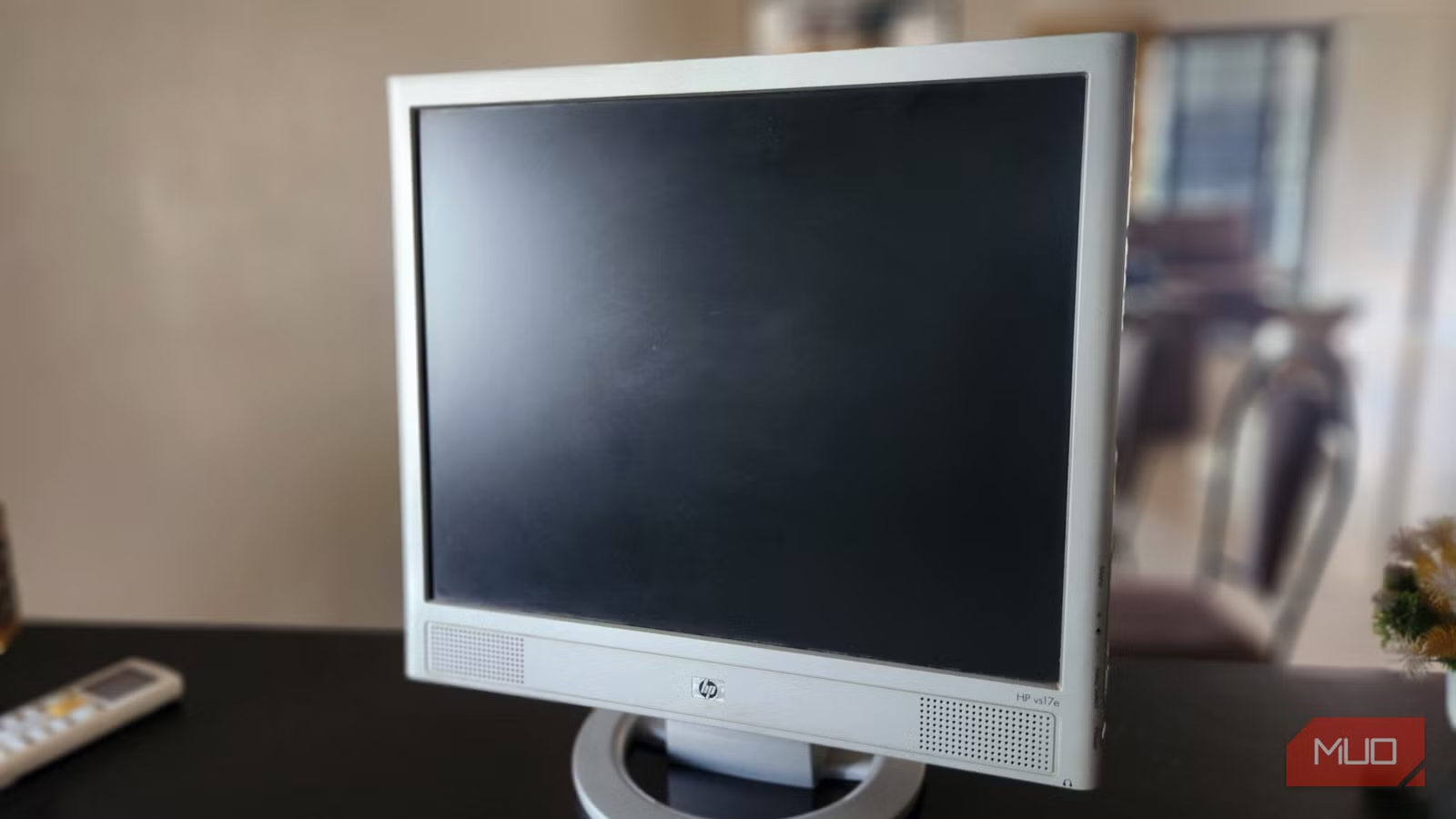
It’s painful to watch your once-beloved primary monitor gather dust after you’ve upgraded. But that doesn’t mean sending it off for recycling or giving it away are your only options. Beyond the obvious use cases, like using it as a secondary display, a media center, or a screen for a spare mini PC, an old monitor can slip into all kinds of useful roles.
It can serve as a handy security monitor, a smart dashboard, a digital photo frame, and much more. With a little creativity, your forgotten screen can earn the second life it deserves.
Use it as a handy security monitor
Real-time peace of mind right on your desk
Pankil Shah / MakeUseOfCredit: Pankil Shah / MakeUseOf
If your old monitor still fires up without complaint, you can put it to work in your home security setup. Having a dedicated screen for camera feeds will save you from constantly switching apps on your phone or juggling browser tabs on the monitor.
Most security cameras can connect to a monitor through a small network video recorder, DVR, or mini PC. Once everything is hooked up, you can place it in a convenient spot to keep an eye on the front door, backyard, or any other spot you want to watch. Add a spare keyboard or a mouse to this setup, and you can even control the camera feeds and review footage.
Transform it into a smart home dashboard
The always-on assistant you didn’t know you needed
DAKboard / YouTubeCredit: DAKboard / YouTube
An old monitor can also shine in its new role as a central hub for your home. Using it as a smart home dashboard will let you check the weather forecast, glance at your calendar, skim the latest headlines, and even stay on top of your to-do list.
To make this work, you’ll need a Raspberry Pi or a mini PC and a platform like DAKboard. It offers several ready-made, web-based layouts so you can get started right away. There’s also a paid tier for $5 a month that lets you create a custom screen from scratch.
Once your monitor is ready, you can place it in the kitchen, hallway, or home office. The only thing is that monitors usually don’t have touchscreens, so you won’t be able to interact with the dashboard.
Give it new life as a digital photo frame
A rotating gallery for your favorite moments
Image Credit: Pankil ShahCredit: Pankil Shah/MakeUseOf
If you don’t want to set up a camera feed or smart dashboard, your monitor can also double as a simple photo frame. This works best if you’ve got a slim monitor that can be mounted on the wall.
Again, you’ll need a Raspberry Pi or a mini PC capable of running a slideshow. You can then use Google Photos, DAKboard, or a simple slideshow software to supply the images. You could set it up to highlight travel memories, pet snapshots, family events, or even digital art.
Depending on where you are placing it in your house, make sure to adjust the brightness and color temperature, so the display feels natural in your space.
Make it a mini TV with a streaming device
Small screen, big entertainment
Gavin Phillips/MakeUseOfCredit: Gavin Phillips/MakeUseOf
If you don’t want your monitor to be just another decorative piece, turning it into a TV might be the most satisfying upgrade. Your monitor can act as a small-sized TV for a kitchen counter, workshop, dorm room, or even an office.
All you need is an inexpensive Roku, Fire TV, Chromecast, or Apple TV device, and you can get one of these for around $50. Since they offer plug-and-play functionality, you simply have to plug them into the monitor, connect to a power source, and you’re done.
If your monitor lacks built-in speakers, which is usually the case, you’ll need to get a cheap soundbar or a pair of powered bookshelf speakers.
NAR – Image from Unsplash
6 DIY Projects to Turn a Broken Monitor Into Something New
Don’t throw away that old monitor. Upcycle it into a useful item with one of these inspirational DIY project ideas.
Turn it into a lightbox or smart mirror
A DIY project for the weekend
DIY Perks / YouTubeCredit: DIY Perks / YouTube
I’ve saved this for last because it takes a bit of DIY spirit. A smart mirror essentially combines a reflective two way film with a display behind it. When the monitor is on, you can see useful information such as the time, weather, or reminders gently floating on the surface. When it’s off, the whole thing looks like a stylish piece of decor.
Converting a monitor into a smart mirror can take a few hours of your time and requires a two-way glass mirror, a wooden frame, plywood, glue, and a few tools. Instructables has a solid guide on the process, and you’ll find plenty of great walkthroughs on YouTube.
If your monitor no longer works, and you can’t use it for any of the ideas above, you can still repurpose it as a lightbox. This will require you to disassemble the monitor and install an LED strip. A lightbox can be handy if you often film content or are into streaming. DIY Perks has made a detailed video on this if you’re interested.
There’s something satisfying about repurposing an old device, and it’s undeniably better for the environment. Also, you don’t have to stop with monitors. You can find plenty of creative uses for your old tablet, router, smartphone, or even a retired TV.
