

TL;DR
- Enabling App Continuity on the Galaxy Z TriFold causes the device to lower the resolution of screenshots taken on the cover screen.
- Samsung lowers the cover screen’s rendering resolution to match the inner screen’s pixel density so apps don’t restart when unfolding.
- A hardware upscaler keeps the display looking sharp, but screenshots capture the raw, lower-resolution image before it is processed.
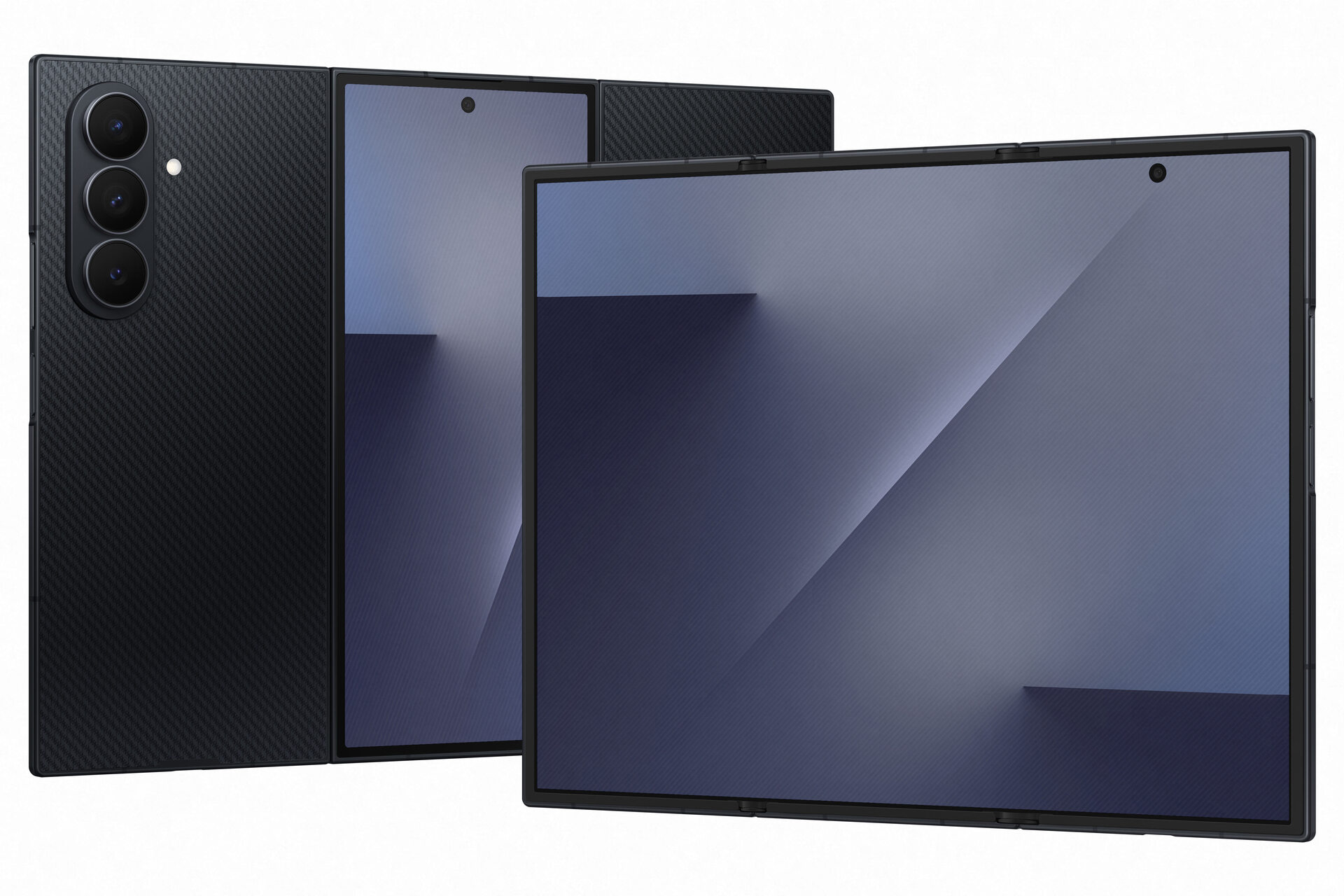
Like most foldable phones, the Samsung Galaxy Z TriFold sports two displays: an outer cover screen and an inner main screen. What makes the TriFold unique is that its inner screen folds twice, giving the device its signature look. In most other respects, though, the TriFold behaves like any other Samsung foldable. It supports App Continuity, for example, allowing you to seamlessly transition apps from the cover to the main screen. However, this feature causes an interesting quirk on the TriFold: it compromises the resolution of screenshots taken on the cover screen — but for good reason.
Unlike Samsung’s book-style foldables, which automatically continue apps from the cover to the main screen, the Galaxy Z TriFold launches the One UI Home launcher by default when unfolded. You can override this in Settings > Display > Continue apps on main screen, ensuring the device resumes your active app instead. There is a trade-off, though: Samsung warns that enabling this feature causes the “resolution of cover screen screenshots [to] be reduced.”
While the settings menu doesn’t explain why, the culprit is a reduction in the cover screen’s actual rendering resolution. Samsung confirms this on its website, stating that the feature “will adjust the cover screen resolution slightly,” though it promises that “upscaling technology” will preserve “the same or similar image quality as before.”
In contrast, the App Continuity settings on Samsung’s other foldables mention no such limitation. On the Galaxy Z Fold 7, for instance, Samsung merely warns that “some apps might not support continuing to the cover screen.” It’s worth noting that App Continuity is a bit different on the TriFold, though. Unlike the Fold 7, the TriFold offers no option to continue apps when transitioning from the main screen back to the cover screen. Instead, the device simply locks when you fold it — matching the default behavior of Samsung’s other foldables, but without the ability to customize it.
Mishaal Rahman / Android Authority
While we’re not sure why the Galaxy Z TriFold doesn’t transition apps when you fold it, we believe we know why it lowers the resolution when App Continuity is enabled. This likely stems from how Android handles screen scaling. Android devices span a massive range of display specifications; two phones might possess the exact same physical screen size but have vastly different resolutions. As a result, a button defined explicitly as 200 pixels wide would appear significantly smaller — and harder to tap — on the higher-resolution panel.
To solve this, developers design apps using density-independent pixels (dp), a unit of measurement abstracted from raw pixel counts. This ensures that UI elements like buttons and text retain a consistent physical size regardless of the device’s specific resolution.
Images, on the other hand, require a different approach. Because stretching or shrinking raster images can degrade quality, developers must bundle multiple versions of an asset to match different screen densities. To make things more manageable for developers, Android groups screen densities into standardized “buckets” (such as xhdpi or xxhdpi), allowing developers to target a few broad categories rather than hundreds of unique hardware configurations.
Don’t want to miss the best from Android Authority?
Because the Galaxy Z TriFold’s cover screen has a much higher density than the main screen, the two displays fall into different density buckets. This results in apps loading different image assets for each screen. If you were to transition an app between these screens without adjusting the resolution, it would trigger a “configuration change” in Android, forcing the app to restart. This would cause some apps to lose their current state — such as scroll position, typed text, or video buffers — making the transition feel jarring rather than seamless.
To prevent this, Samsung silently adjusts the TriFold’s cover screen resolution from its native 1080×2520 down to 822×1918 when App Continuity is enabled. This forces the cover screen to operate at the same density scale as the main screen (2.0x), preventing the configuration change. The math aligns perfectly: Samsung phones typically use a logical width of 411dp. By multiplying that 411dp width by the main screen’s 2.0x scale, Samsung arrives at a horizontal resolution of 822 pixels and adjusts the vertical resolution to match.
This is a clever workaround, but it comes with two caveats. First, the cover screen’s render resolution is lower. Fortunately, a hardware upscaler compensates for this by stretching the image to fill the physical 1080×2520 pixels of the cover screen, ensuring it remains sharp to the naked eye. The second caveat — lower resolution screenshots — is unavoidable. When you take a screenshot, Android captures the raw frame before the hardware upscaler processes it. While most users won’t notice the quality difference, the drop in pixel count is still real, so it is good to see Samsung acknowledge it.
I hope this post demonstrates is just how complex even a small feature on the Galaxy Z TriFold actually is. Even a seemingly simple action like moving an app between displays is far more involved than it appears. In this instance, Samsung’s solution was to lower the cover screen resolution, but the device likely employs a dozen other invisible workarounds we aren’t aware of to keep the experience smooth. We can’t wait to get our hands on the Galaxy Z TriFold when it launches in the U.S. to see what else makes it tick.
Thanks to Reddit user FragmentedChicken for the tip!
Thank you for being part of our community. Read our Comment Policy before posting.
