

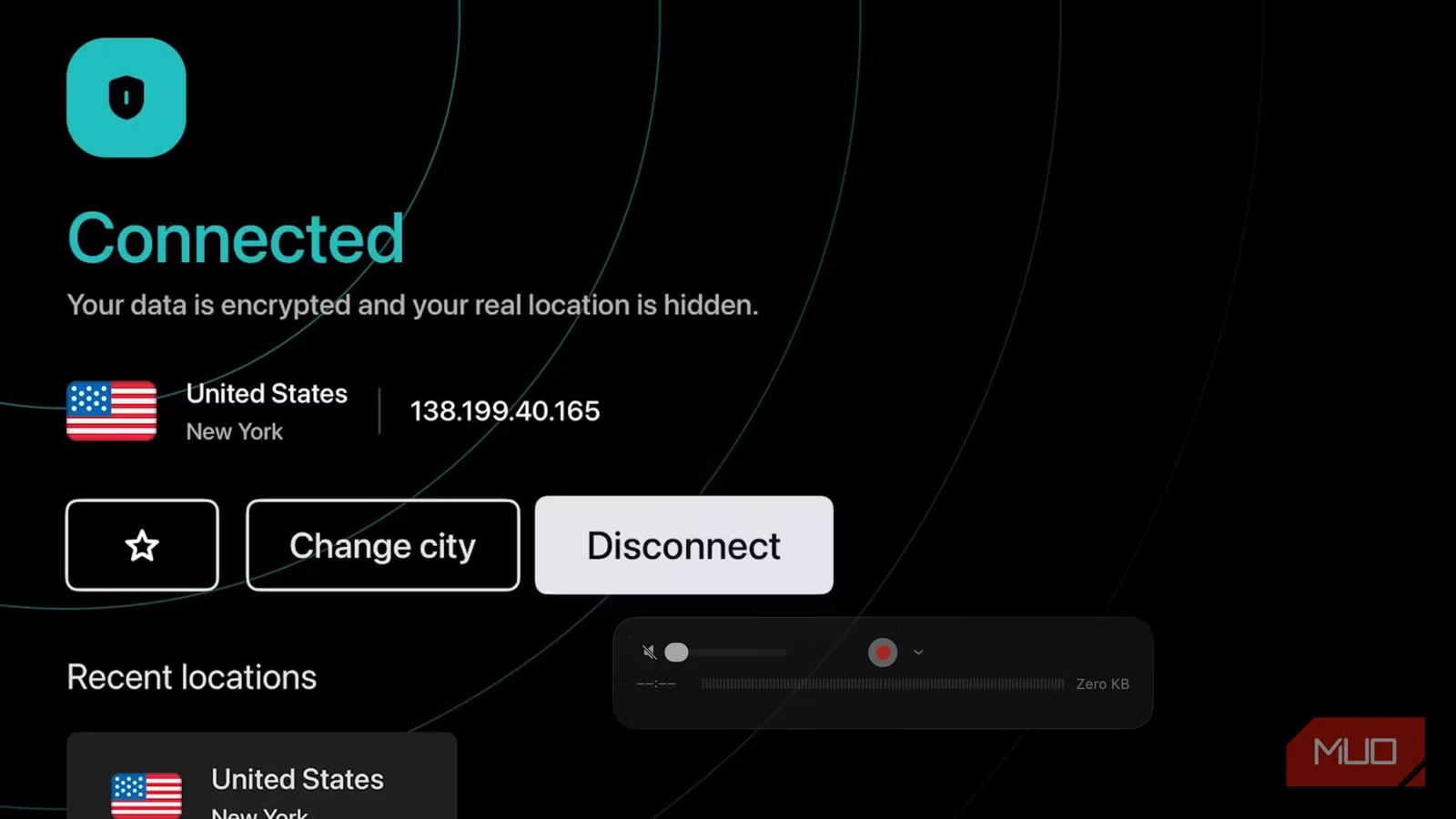
Like many other smart TV users, I no longer use built-in television apps. Instead, I use an Apple TV on every television in my house for entertainment. However, as I have added more apps to each device, I recently became increasingly concerned about data privacy while streaming videos. I decided to install a VPN on my Apple TV 4K, which was easy to set up and works well with my home’s overall VPN setup.
My VPN of choice is Surfshark, a full-featured service that compares nicely to other VPNs. It’s available across multiple devices, including phones and tablets, computers, smart TVs, streaming devices, gaming consoles, routers, and more, and now, you can install it on your Apple TV.
Logging policy
No-log
Mobile app
Android, iOS
Number Of Servers
3,200
Free Trial
7-day
Surfshark VPN is a budget-friendly, full-featured VPN that offers unlimited simultaneous connections, AES-256 encryption, a strict no-logs policy, and thousands of servers across the globe for secure streaming and online privacy.
Why Surfshark is the best VPN option for my Apple TV
Its focus is on simple
There are many great VPN providers. For my household, I long ago turned to Surfshark. It’s a great all-in-one solution that I use across multiple devices. Besides Apple TV, I have Surfshark installed on my iPhones, iPad, Mac, and Fire TV. The service is also available on other devices, such as Android TV, gaming devices, select routers, and more. It’s also available as a browser extension from Chrome, Firefox, and Edge.
My experience is that, regardless of device, Surfshark improves streaming quality on platforms like Netflix, Hulu, and HBO Max. It also provides consistent speed, supports unlimited device connections, and features a simple-to-use interface, regardless of your tech expertise.
Installing Surfshark on Apple TV
You’re just steps away from complete protection
To get started with Surfshark, you’ll need a subscription. The best way to get one is to visit the Surfshark website and choose a plan that best meets your needs. Surfshark doesn’t just offer VPN services. It also has an anti-virus package, data removal service, alternative ID options, and more. You can purchase each of these as a package or separately, starting at around $2 per month, depending on the options you select.
Once you purchase a subscription, you can install Surfshark on any supported device. Surfshark allows unlimited devices to connect and install its VPN simultaneously under any subscription plan. You should take advantage of this and install it on all of your devices.
To get started on Apple TV, download the Surfshark app from the App Store, then log in to it with your Surfshark account. The Surfshark VPN app for Apple TV requires an Apple TV running tvOS 17 or later. This means it supports Apple TV HD and Apple TV 4K models that have been updated to at least tvOS 17.
Once you’re logged into the Surfshark app, you can activate the VPN by choosing from a list of over 100 countries. Once selected, you can bypass geographic content restrictions and unlock shows and movies that might be unavailable in your region. Regardless of the country you choose, once the VPN is activated, you’ll receive all the data protection Surfshark provides.
To deactivate Surfshark on your Apple TV, open the app and turn it off. Repeat as needed.
Why you should use VPNs on your streaming devices
There are several benefits
Most electronic devices now operate through internet connections as our world continues to advance. A virtual private network (VPN) service establishes an encrypted connection between your device and a VPN server, protecting your internet traffic. Your actual IP address and location are hidden when you use a VPN, making your internet traffic appear to originate from another location. Your data is protected from hackers, ISPs, and government surveillance with VPN protection, delivering enhanced privacy and security.
Streaming devices, including Apple TV, typically operate from fixed locations, but VPN protection is still beneficial on them. By installing a VPN on your streaming device, you can access Netflix, Hulu, Amazon Prime Video, and Apple TV content that streaming platforms block in your geographic area. Additionally, when traveling, you can take your Apple TV with you and use it in hotels, a friend’s home, and other locations, knowing it’s secure with VPN.
VPNs, by design, can also improve the overall streaming experience on a network. This is especially useful in households that stream content simultaneously.
Finally, Internet Service Providers (ISPs) are notorious for reducing internet speeds and restricting bandwidth for specific websites and activities during peak times. This is typically done first to customers who stream a lot of content. With a VPN, streaming activities stay protected from ISP detection because VPNs encrypt all your internet traffic. Therefore, you are less likely to see your internet speeds reduced when using a VPN.
Protect your data
Installing Surfshark VPN on Apple TV offers multiple advantages, protecting your privacy and security while giving you unrestricted access to streaming content. The VPN system from Surfshark protects your information by encrypting your online data and hiding your actual location from hackers, ISPs, and government agencies.
Additionally, Surfshark allows users to stream content that streaming services block by location while delivering better streaming quality and stable speeds across multiple connected devices. Surfshark offers a simple installation process and supports various devices, making it an excellent VPN solution for secure streaming without any complications.
