

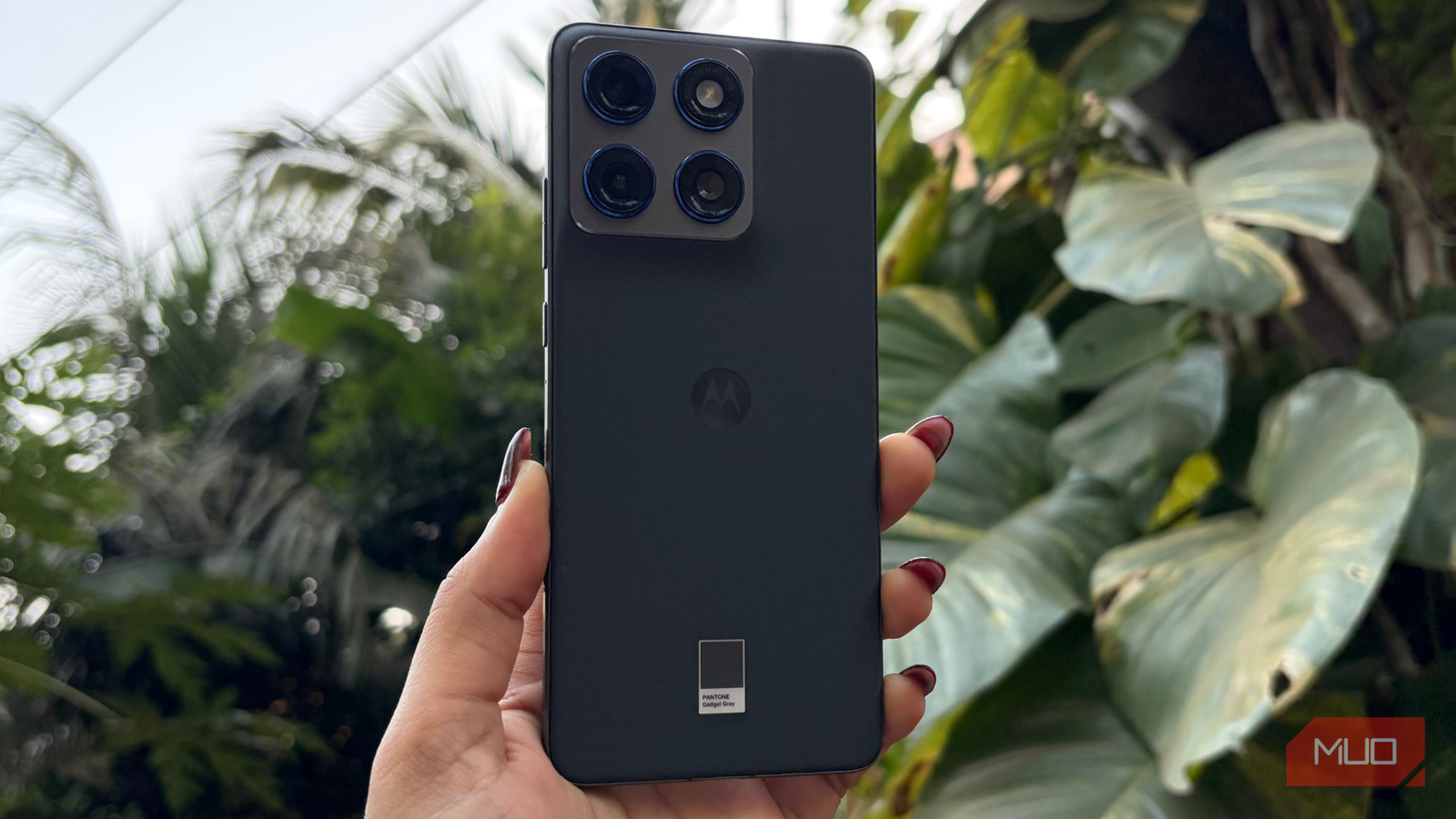
Motorola is a slightly under-the-radar brand that doesn’t always get the credit it deserves. Many Motorola phones offer AI features that are genuinely useful in everyday life, not just nice-to-have additions. Since I started using the Motorola Edge 70, it has only gotten better. Over time, I’ve found myself relying on these five AI features that you might not know about, or may know but haven’t really used.
Related
This Is the Flip Phone Most People Should Buy
An entry-level flip with most of the bells and whistles, plus style to boot.
You don’t have to remember a thing
Because forgetting is human
Credit: Shimul Sood / MakeUseOf
The ‘Remember This‘ feature on the Motorola phones is genuinely useful, especially for someone like me who tends to forget things easily. It lets you save important details such as messages, photos, and screenshots with just a tap, so you don’t have to rely on your memory anymore. All you need to do is press the Moto AI key and select Remember This, and the phone takes care of the rest.
Everything you save is stored in Moto’s AI Memory/Journal section, making it easy to browse and quickly search for your saved items. To use this feature, you’ll need to sign in with your Google account. You sign in using your Google account, and data can be synced with Google services (like Drive) and processed by Google’s AI for features like recall and memories. How this data is stored and handled is governed by Motorola’s and Google’s respective privacy and settings pages.
This feature is currently available only on select Motorola devices, including the Edge and Razr series.
AI put together a playlist, just for you
Your mood deserves its own playlist
Credit: Shimul Sood / MakeUseOf
I was honestly tired of hunting for songs I liked and manually putting together playlists to keep up with trending music. That completely changed once I started using the Motorola Edge 70. The Playlist Studio feature creates a personalized playlist for me based on my mood in seconds.
All you have to do is tell the AI what kind of vibe you’re in, and it takes care of the rest. Most days, I’m in the mood for something calm and romantic, and the playlist it serves up is usually spot on. At the moment, Playlist Studio works only with Amazon Music, but it wouldn’t be surprising to see more music apps integrated into this feature on the Motorola phones. If you also use your Motorola phone with a Windows PC or laptop, you need to know this about the Android ecosystem.
You’re always up-to-date
Let your phone do the catching up
Credit: Shimul Sood / MakeUseOf
The Catch Me Up feature on Motorola phones, also known as Update Me, is especially handy when you’ve been in a meeting or away from your phone for a while. Instead of scrolling through a long list of notifications, this feature neatly summarizes all your important alerts and messages, so you instantly get a glance of what you missed.
As the name suggests, it quickly brings you up to speed. Simply give your Motorola phone a voice command by saying “Update me,” and it does the rest for you. That’s not it! You can also take quick actions right from the summary, like calling your mum or messaging your friends. This makes it a simple and efficient way to stay on top of things without doing hard work.
You can skip the endless surfing
Ask away, your phone’s got you covered
Credit: Shimul Sood / MakeUseOf
The Ask or Search feature takes the surfing off your hands. With so many menus in the Settings app and a Photos app full of thousands of pictures, finding exactly what you need can be extremely tedious. But this feature does the work for me. It is powered by Perplexity and Gemini, delivering accurate answers quickly and efficiently.
But the search doesn’t stop at your phone. You can also ask questions about things that aren’t stored on your device, and it will do its best to provide useful information. Even though it relies on third-party AI tools, having this kind of capability built directly into your smartphone makes it far more adaptable. Once you start using it, you’ll definitely find yourself getting back to it again and again.
A versatile studio at your fingertips
The little studio that can do it all
Credit: Shimul Sood / MakeUseOf
The Image Studio on the Motorola phones does a lot of things you’d normally need third-party apps for. I’ve used it to create images, stickers that I ended up sharing with everyone on WhatsApp, avatars for my Instagram profile, wallpaper-style syncs, and even to transform my good enough (completely sarcastic) sketches into polished images.
This feature honestly feels like having an editor or stylist built right into my smartphone, handling everything that I need and want. While this feature is similar to other Android phones, Motorola’s Image Studio really stands out because it uses Google’s AI models for image creation, resulting in consistently impressive results.
Just a few clicks away from a smarter phone
These Motorola AI features have genuinely made my everyday life easier. Unlike many AI tools that feel gimmicky or rarely useful, these features are practical, making me consistently go back to them again and again. If you take a few moments to go through them too, you’ll just be a few taps away from turning your phone into a smarter, more capable device.
